|
Stay Alert – Watch Out for Fake Coupon Browser Extensions

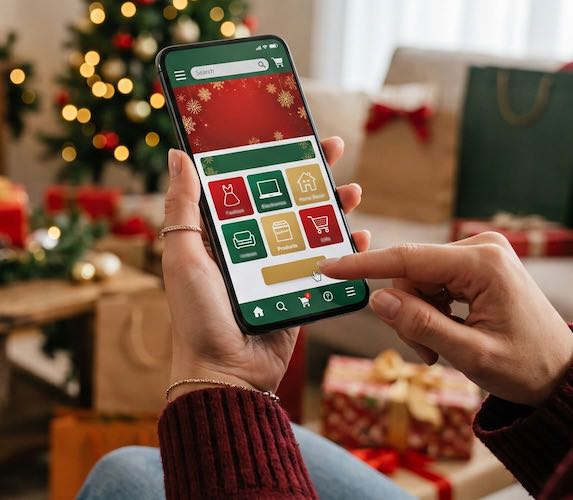 Holiday deals are everywhere in November. So are browser extensions that promise to find coupon codes, compare prices, or give cash back at checkout.
Some are legitimate. Others are designed to collect more than they should.
A browser extension is a small add-on for Chrome, Edge, Firefox, or another web browser. Once installed, a shady extension may be able to see what websites you visit, read information you enter into online forms, change search results, or redirect you to look-alike shopping pages. It may even pile on ads or slow down your computer.
Scammers often promote these extensions through social media ads, pop-ups, and "limited-time" holiday offers. Their goal is to get you to install first and ask questions later.
Keep your holiday shopping safer with these steps:
- Install extensions only from your browser's official store. Avoid downloading add-ons from pop-up ads, unfamiliar websites, or links in emails and texts.
- Read the permissions before clicking "Add." Be cautious if a coupon or shopping extension wants permission to read and change data on every website you visit. That's a lot of access for a simple discount tool.
- Check reviews carefully. Look beyond the star rating. Reviews that are vague, repetitive, or all posted around the same time can be warning signs.
- Remove extensions you no longer use. Go through your browser's extension settings and delete anything unfamiliar, outdated, or unnecessary.
- Watch for strange behavior. New toolbars, lots of pop-up ads, changed search results, or redirects to unfamiliar websites could mean an extension needs to go.
A great deal should save you money — not give strangers a front-row seat to your online life.
©2026 Cornerstone Group
Trademarks: All brand names and product names used in here are
trade names, service marks, trademarks or registered trademarks of their
respective owners.
Privacy Policy
|
|