
|
 |
|
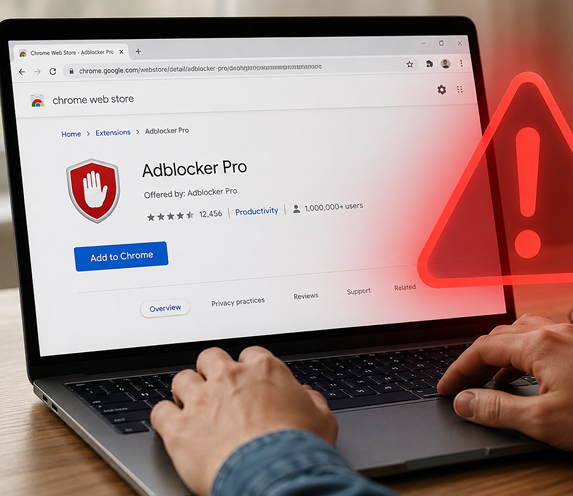 Answer: Browser extensions are small add-ons for Chrome, Edge, Firefox, and other web browsers. They can do handy things like block ads, check grammar, organize coupons, or save recipes. But some extensions collect more information than they should, flood you with ads, or even change your search results.
Before installing one, start with the official extension store for your browser. Avoid downloading extensions from pop-up ads, random links, or emails. Read the reviews, but don't rely only on the star rating. Look for recent reviews that mention whether the extension still works well and whether people have noticed unwanted ads or strange browser behavior. Next, check what permissions the extension requests. Be cautious if a simple tool, such as a weather extension, wants permission to "read and change all your data on websites you visit." That could include things you type into websites. An extension should need only the permissions required to do its job. It's also smart to keep your extension list short. Every add-on is another piece of software running in your browser. Once in a while, open your browser's Extensions or Add-ons settings and remove anything you no longer use or don't recognize. If your homepage, search engine, or new-tab page suddenly changes, an extension could be the reason. Disable recently added extensions one at a time to find the culprit.
Trademarks: All brand names and product names used in this eNewsletter are trade names, service marks, trademarks or registered trademarks of their respective owners. Privacy Policy |
