|
Short Tutorial/FAQ – How to Use ChatGPT as a Shopping Assistant

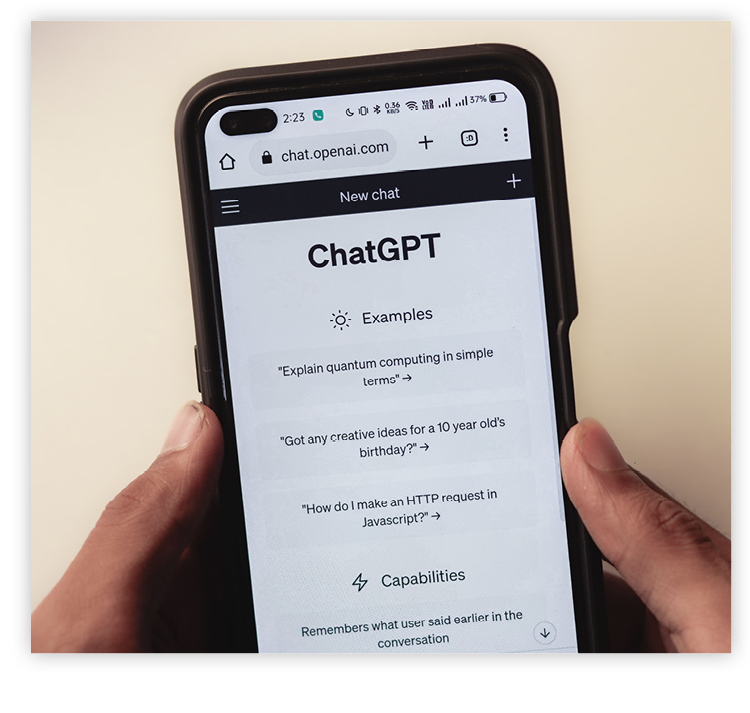 Let's say you're in the market for a new dishwasher. In the past, you may have done a Google search for "highly rated dishwashers" or checked Consumer Reports. Today, you can save time and let ChatGPT be your shopping assistant and find, compare, and buy products directly within the chat.
Follow these steps to get started:
1. Initiate Shopping Research
- Ask ChatGPT naturally: Describe what you need in detail. Instead of keywords, use conversational prompts like, "Be my shopping assistant. Find a quiet and fast dishwasher that's highly rated and available in 23" x 30" size in stainless steel or white. Budget is $500.
- Use the tool menu: Alternatively, click the (+) menu or tools icon in the prompt bar and select Shopping Research to open the visual shopping interface.
2. Guide the Assistant
- Answer follow-ups: ChatGPT will ask smart clarifying questions about your budget, brand preferences, etc.
- Provide feedback: As the assistant returns options, interact with the product cards. Mark items as "Not interested" or "More like this" to refine the search.
- Review comparisons: ChatGPT will generate a personalized buyer's guide featuring top products, key differences, and tradeoffs.
As AI-assisted shopping has grown in popularity, so have risks from scammers who "poison" data with cloned websites. Always double-check the final URL in your browser before completing a purchase, and manually verify unfamiliar stores using resources like the Better Business Bureau or Trustpilot.
©2026 Cornerstone Group
Trademarks: All brand names and product names used in this eNewsletter are
trade names, service marks, trademarks or registered trademarks of their
respective owners.
Privacy Policy
|
|