|
Short Tutorial/FAQ – How to Start Using ChatGPT

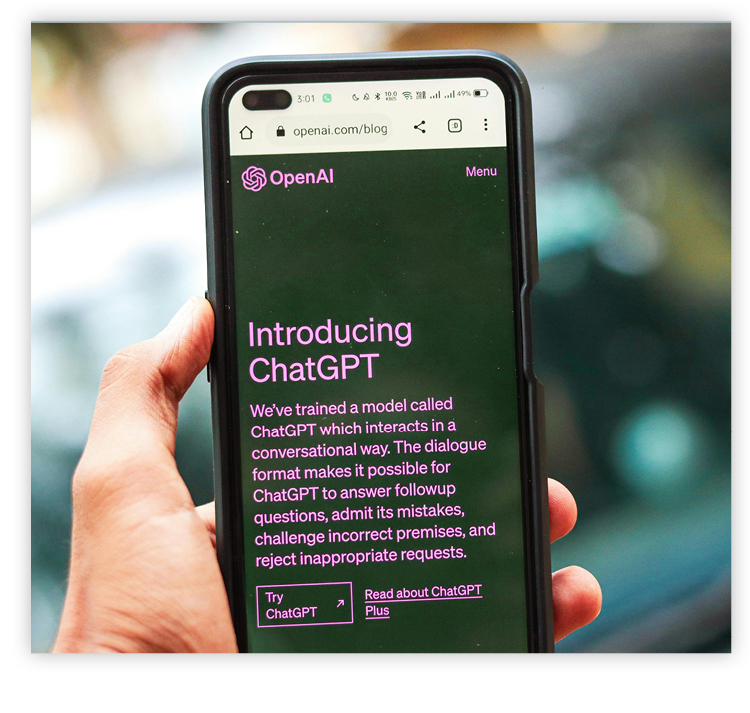 Question: I'm curious about ChatGPT, but haven't tried it yet. What's the best way for me to start?
Answer: It's surprisingly easy to get comfortable with ChatGPT — you just need to play around with it and experiment. Here's a step-by-step guide:
- Go to chatgpt.com in your web browser or download the ChatGPT app from the App Store or Google Play Store.
- Click "Sign up" to create a new account using your email or a linked Google/Microsoft/Apple account, or log in if you already have one.
- Once logged in, you'll see a simple interface with a text box at the bottom.
- Type a question or request (a "prompt") into the box, like "Explain quantum computing in simple terms," and press Enter. For best results, be sure to use a clear, detailed prompt.
- ChatGPT will generate a response. You can continue the conversation by asking follow-up questions or refining your original prompt.
©2026 Cornerstone Group
Trademarks: All brand names and product names used in this eNewsletter are
trade names, service marks, trademarks or registered trademarks of their
respective owners.
Privacy Policy
|
|